How to add an FAQ
Answer the questions guests always ask, like parking or kids, with tap-to-open questions on your invite.
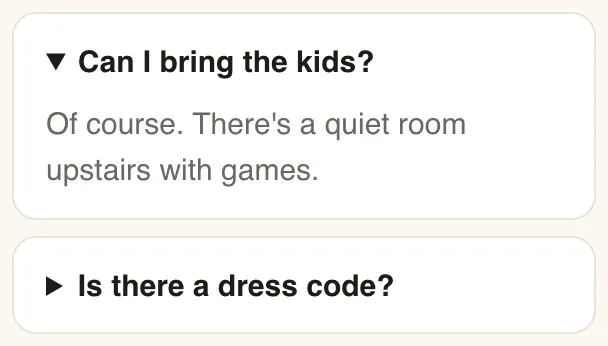
The FAQ block lists questions with their answers tucked underneath. Guests tap a question to open its answer, so the page stays tidy however many you add.
-
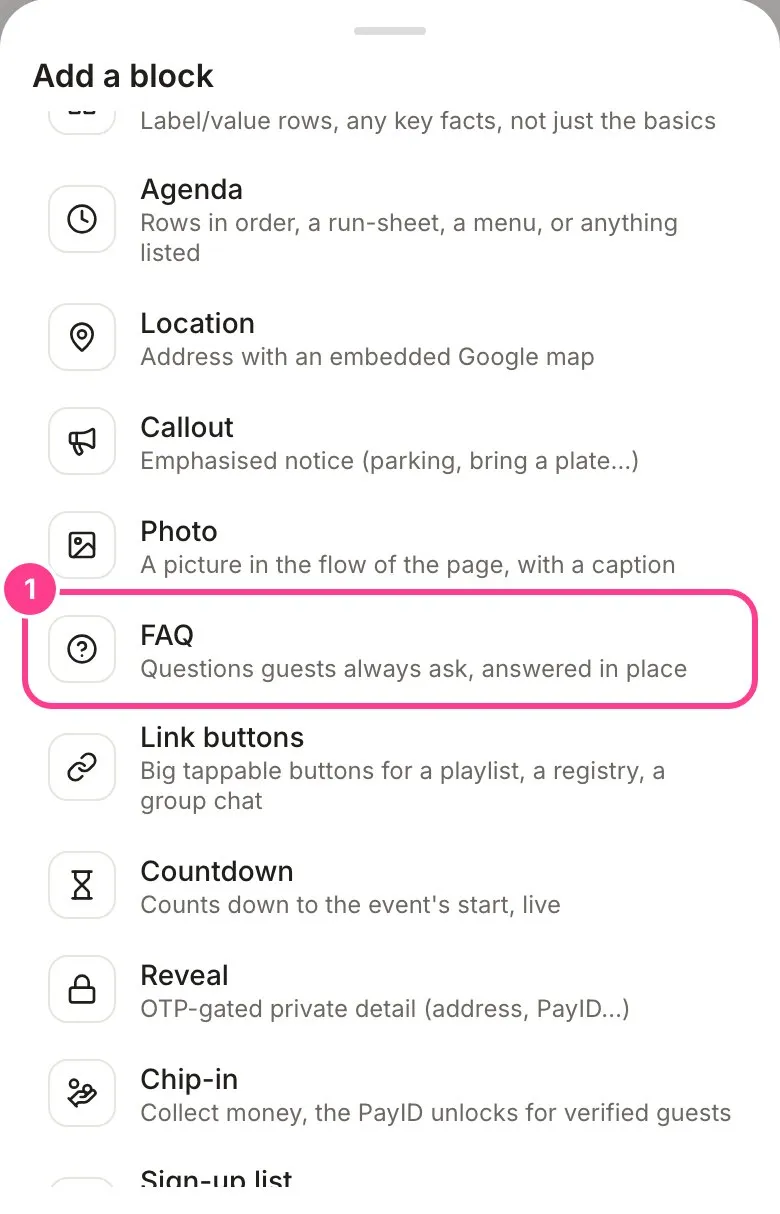
In the editor, tap a + where you want it and pick FAQ. See how to add and move blocks if you’re new to blocks.
-
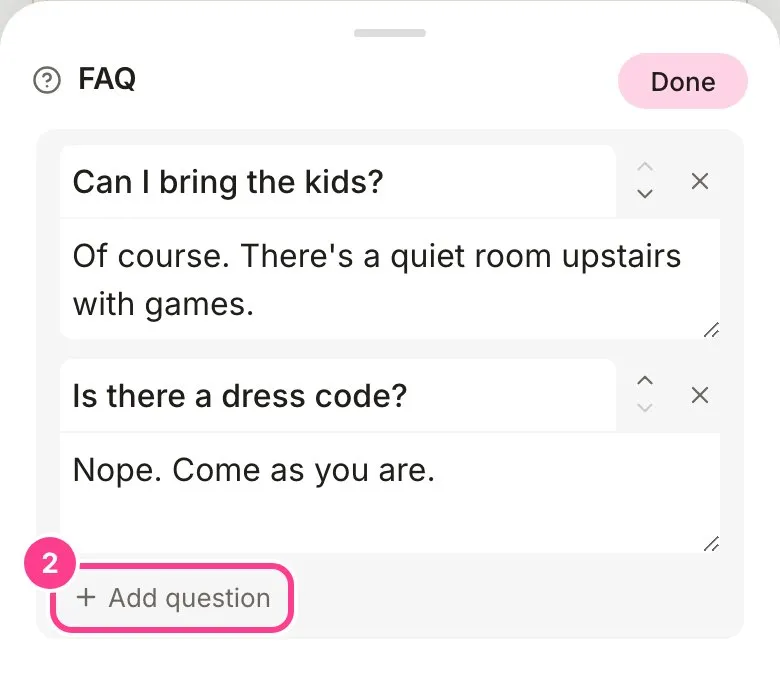
Tap the pencil on the new block to open it. Type your first question, and the answer in the box underneath. Tap Add question for the next one. Use the arrows to reorder, and tap a question’s cross twice to remove it. Tap Done.
Guests see each question as a row. A tap opens the answer.
Good to know
- An FAQ can go in an update too, if a question keeps coming up after the invites are out.
- If guests can send you questions from the invite, you can answer them one by one as well. See how to answer guest questions.
Didn't answer it?
Tell us what you were trying to do and we'll write back, or give our guide to your AI assistant and ask it.