Why am I being asked for a code?
Some invite details stay hidden until you confirm it's you with a 6-digit code. Here's why, and what to do if the code doesn't arrive.
Invite links get forwarded around group chats. So hosts can keep some things just for the people they invited, like their home address, a PayID or their phone number. To see those, you confirm it’s you with a 6-digit code sent to the mobile or email the host has for you. It takes a few seconds, and you never need an account or a password.
Replying to the invite never needs a code. You’ll only be asked when you open something the host has kept private, or do something that goes beyond your own reply, like adding a dish, asking the host a question or bringing a plus one.
-
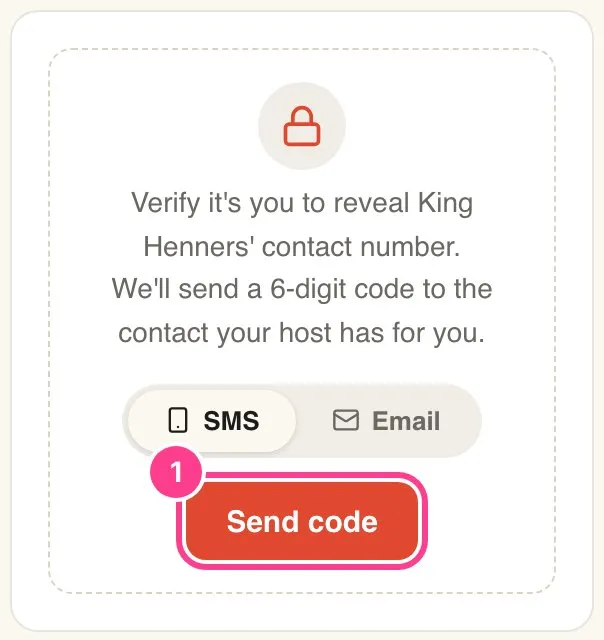
Tap Send code. On the locked card, pick SMS or Email if you’re offered both, then tap Send code. The code goes to the contact the host saved for you, not one you type in.
-
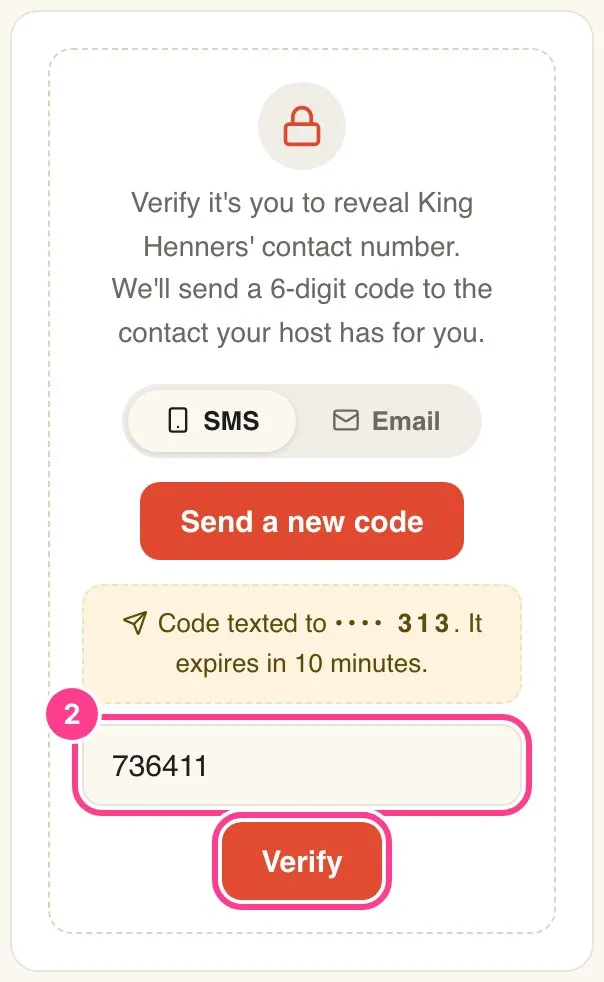
Type the code and tap Verify. Your text reads “Your HeadsUp code is” followed by six digits. Type them in and tap Verify. The card shows where the code went, like the last three digits of your mobile.
-
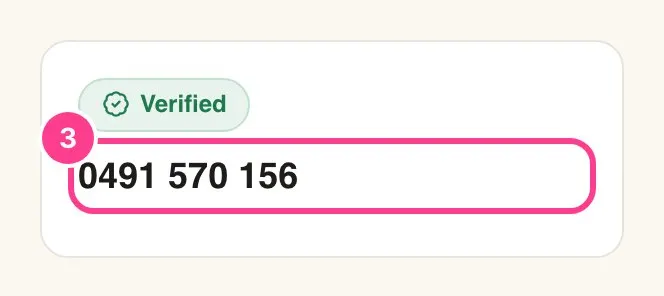
You’re in. The hidden details appear, with a Verified badge. One code opens everything on the invite, so you won’t be asked again on this phone or computer.
If the code doesn’t come
- Give it a minute, and check your junk folder if you chose email.
- Try the other way. If you were offered SMS and Email, switch and tap Send a new code.
- Codes run out after 10 minutes. If yours has expired, tap Send a new code. After a few codes in a row you’ll need to wait a little before asking for another.
- Wrong number or email? The code always goes to what the host has saved for you, so ask the host to fix it. Once they do, your same link keeps working and the code goes to the right place.
- No contact at all? If the host only has your name, the card says a code has nowhere to go. The same happens if they only have your mobile but send codes by email only. Ask them to add your email or mobile, then come back to the same link.
Good to know
- Why a code and not just the link? A link can be passed on. A code proves you’re the person the invite was for, so a forwarded link can’t unlock the private parts.
- It’s per device. Verifying on your phone doesn’t unlock your laptop. Open the link on a new device, or clear your browser, and you’ll be asked once more. You’ll also be asked again if the host changes the mobile or email they have for you, or sends you a new link.
- A code only ever arrives because somebody tapped Send code on your invite. If you didn’t ask for one, you can ignore it.
- Stopped texts from this event? You’ll still get a code when you ask for one, because you asked.
Didn't answer it?
Tell us what you were trying to do and we'll write back, or give our guide to your AI assistant and ask it.