How to bring a plus one
If the host allows plus ones, add yours from your invite and HeadsUp sends them their own invite, or gives you a link to pass on.
Want to bring someone along? If the host has switched on plus ones, you can add them yourself from your invite. Your plus one gets their own invite and their own link, so they can reply for themselves.
-
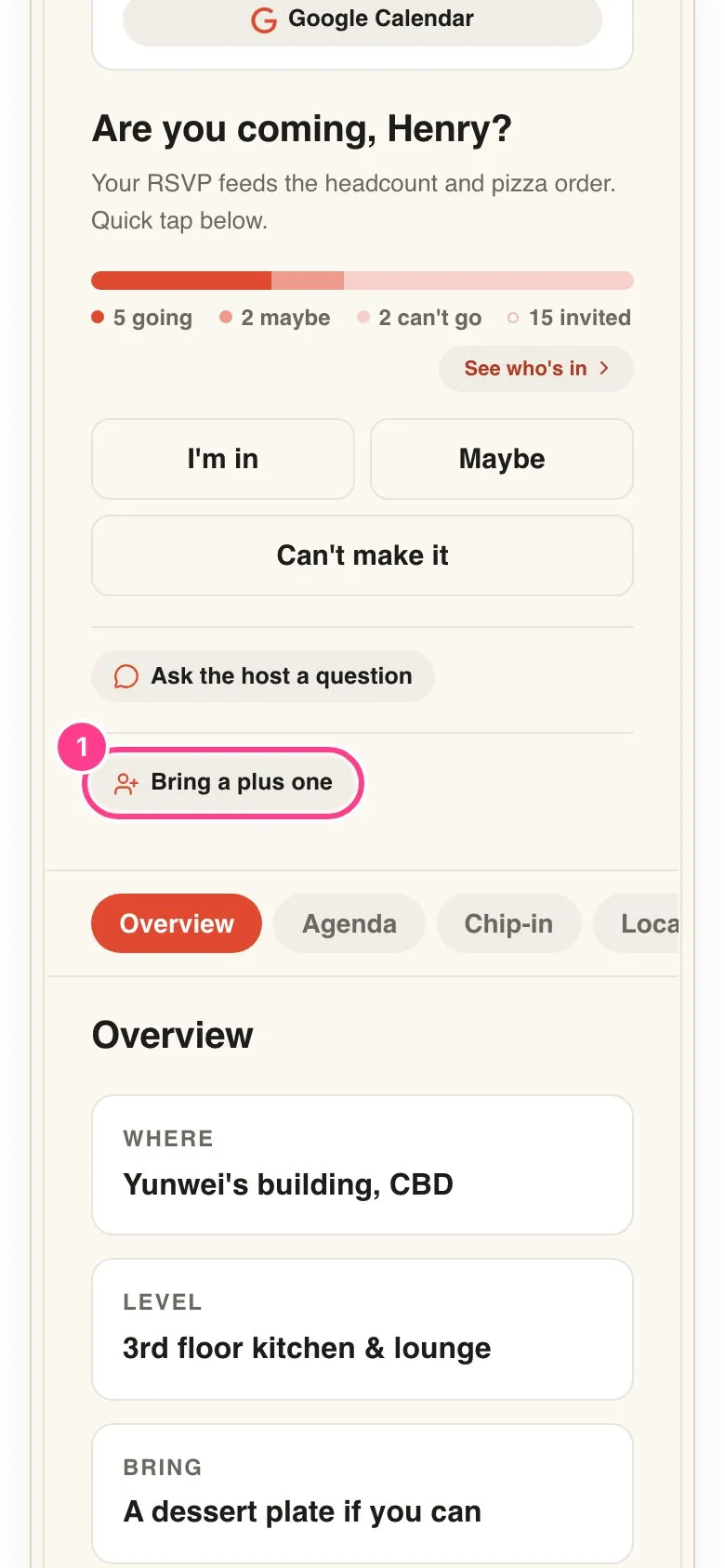
Tap Bring a plus one. It sits under the reply buttons. If you don’t see it, the host hasn’t turned plus ones on for this event, so ask them instead.
-
Confirm it’s you. The first time, you’ll be asked for a 6-digit code sent to your mobile or email. Here’s why you’re asked for a code.
-
Add their details. Type their name, plus their email or mobile if you have it. Both are optional.
-
Tap Add your plus one. They’re added to the guest list.
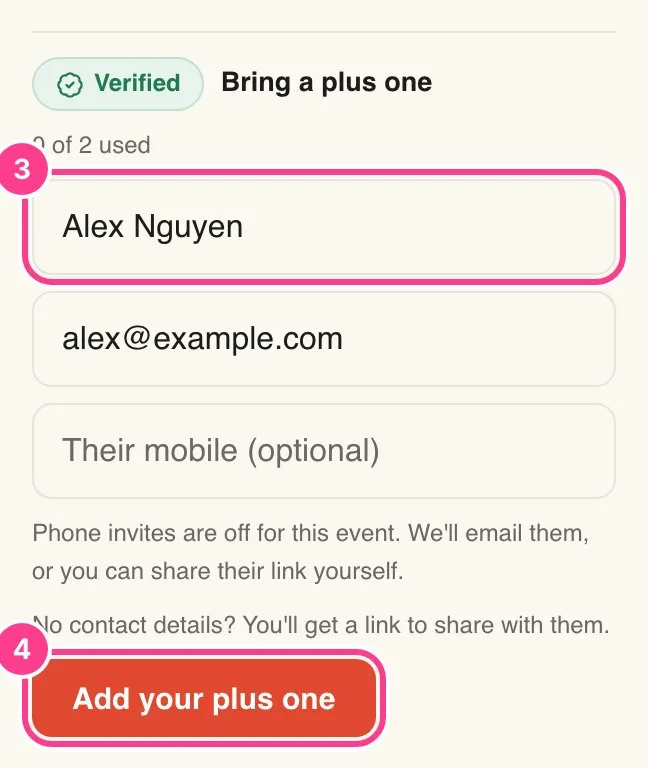
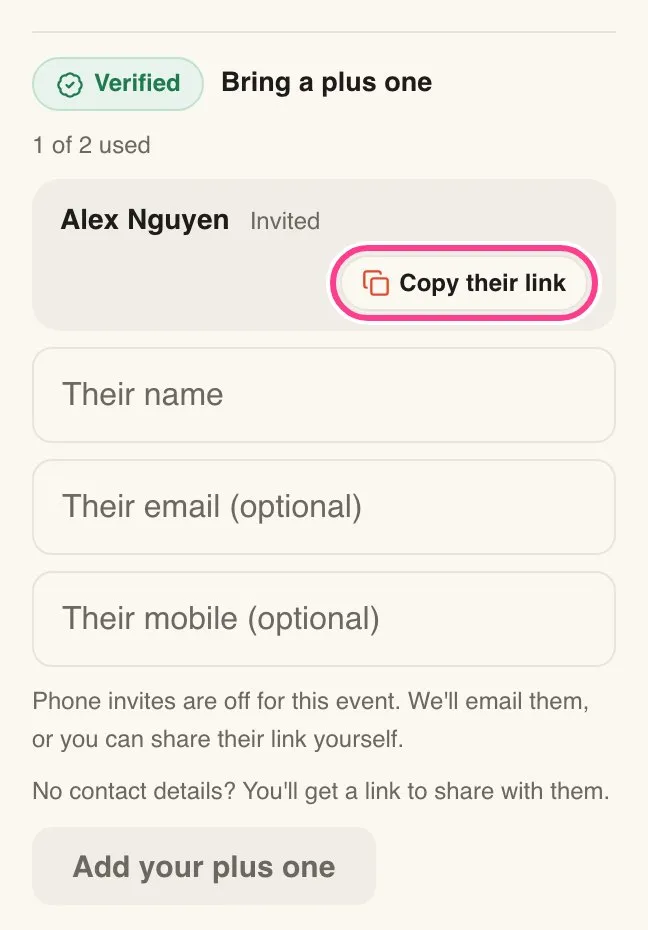
If you gave their email, HeadsUp emails them their invite. If you left the contact details blank, or their invite couldn’t be sent, you’ll see Copy their link next to their name. Tap it and send the link to them yourself, in a text or a chat.
Good to know
- The host sets how many you can bring. You’ll see how many you’ve used, like 1 of 2 used, and You’ve used your plus ones for this event. once you’ve hit the limit.
- Mobile numbers only get a text if the host allows it. When they don’t, the form says Phone invites are off for this event. Add an email instead, or share their link yourself.
- Some hosts approve plus ones first. If so, your plus one shows Waiting for the host and gets their invite once the host says yes.
- Next to each plus one you’ll see where they’re up to, like Invited, Opened or their reply.
- Your plus one replies on their own invite, and they can’t add plus ones of their own.
- Need to take one off? Ask the host, since only they can remove a guest.
Didn't answer it?
Tell us what you were trying to do and we'll write back, or give our guide to your AI assistant and ask it.