How to ask the host a question
Send the host a private question or note from your invite, and read their answer in the same spot.
Wondering if you can bring the dog, or where to park? If the host has switched on questions, you can ask them straight from your invite. It’s private: it goes to the host and anyone hosting with them, and other guests never see it.
-
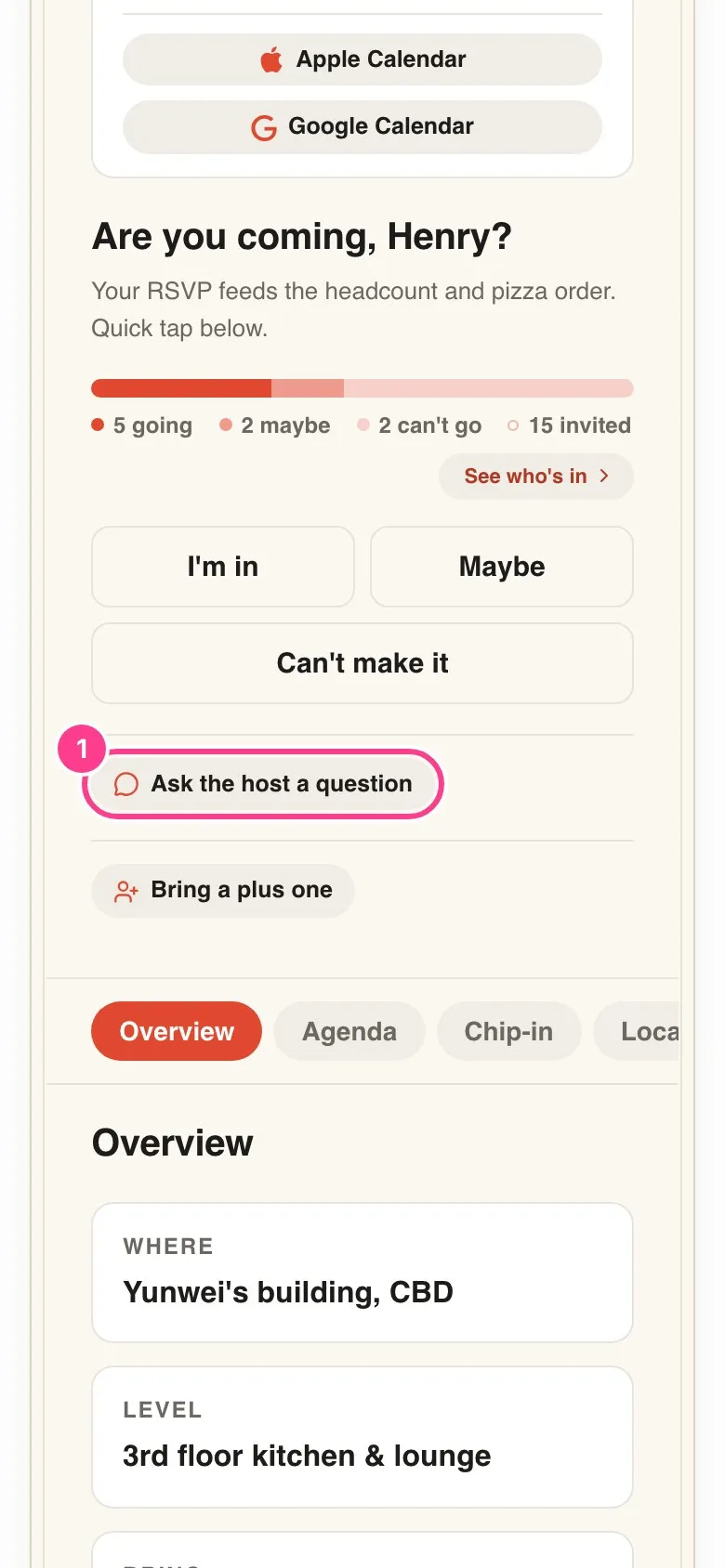
Tap Ask the host a question. It sits under the reply buttons. If it isn’t there, the host hasn’t turned questions on for this event.
-
Confirm it’s you. The first time, you’ll be asked for a 6-digit code sent to your mobile or email. Here’s why you’re asked for a code.
-
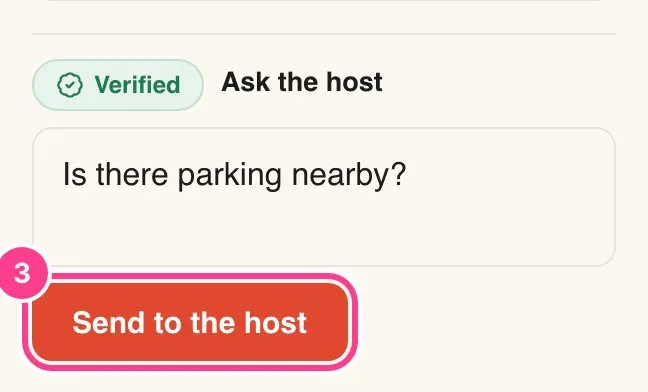
Type your question and tap Send to the host. Keep it to a question or a short note.
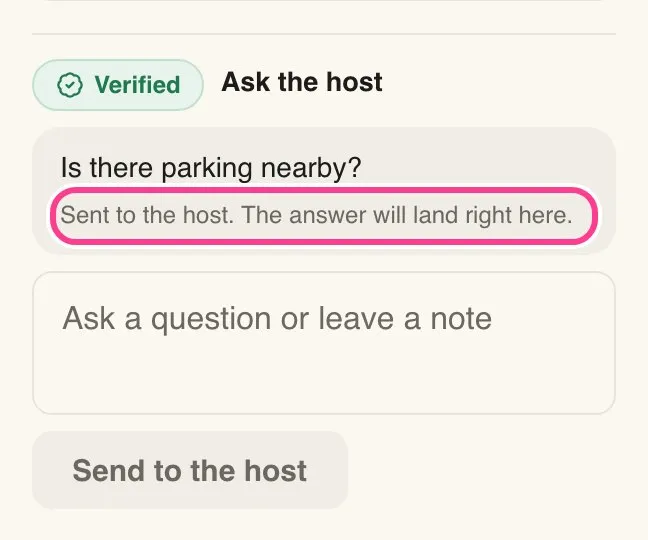
Your question shows Sent to the host. The answer will land right here. When the host replies, their answer appears under your question on the invite, marked The host.
Good to know
- The host may also send you a text or email to let you know they’ve answered. Tapping it opens your invite right at the answer.
- Questions are up to 1000 characters. You can ask a few, but not dozens in a row.
- On another phone or computer you’ll confirm it’s you once more before your questions show.
Didn't answer it?
Tell us what you were trying to do and we'll write back, or give our guide to your AI assistant and ask it.