How to send a reminder to guests who haven't replied
Nudge only the guests who haven't answered yet with a follow-up text or email, now or at a time you pick.
Some people need a second nudge. A follow-up goes only to guests who haven’t replied, so the people who’ve already said yes, maybe or no aren’t bothered again.
-
Open your event and tap the Send tab.
-
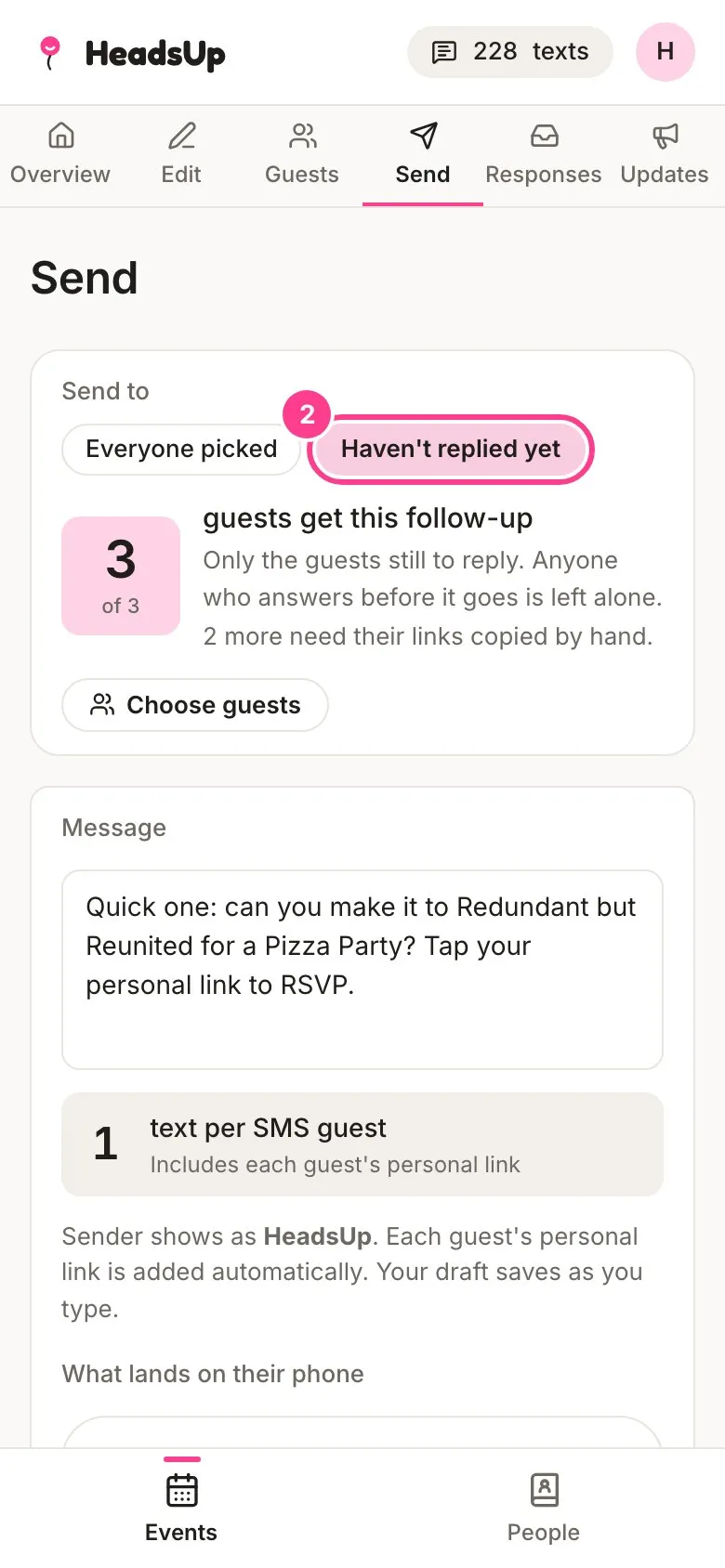
Under Send to, tap Haven’t replied yet. The count changes to just the guests still to reply.
-
A follow-up message is filled in for you. Change it if you like. Your guests’ links are added on the end, as always.
-
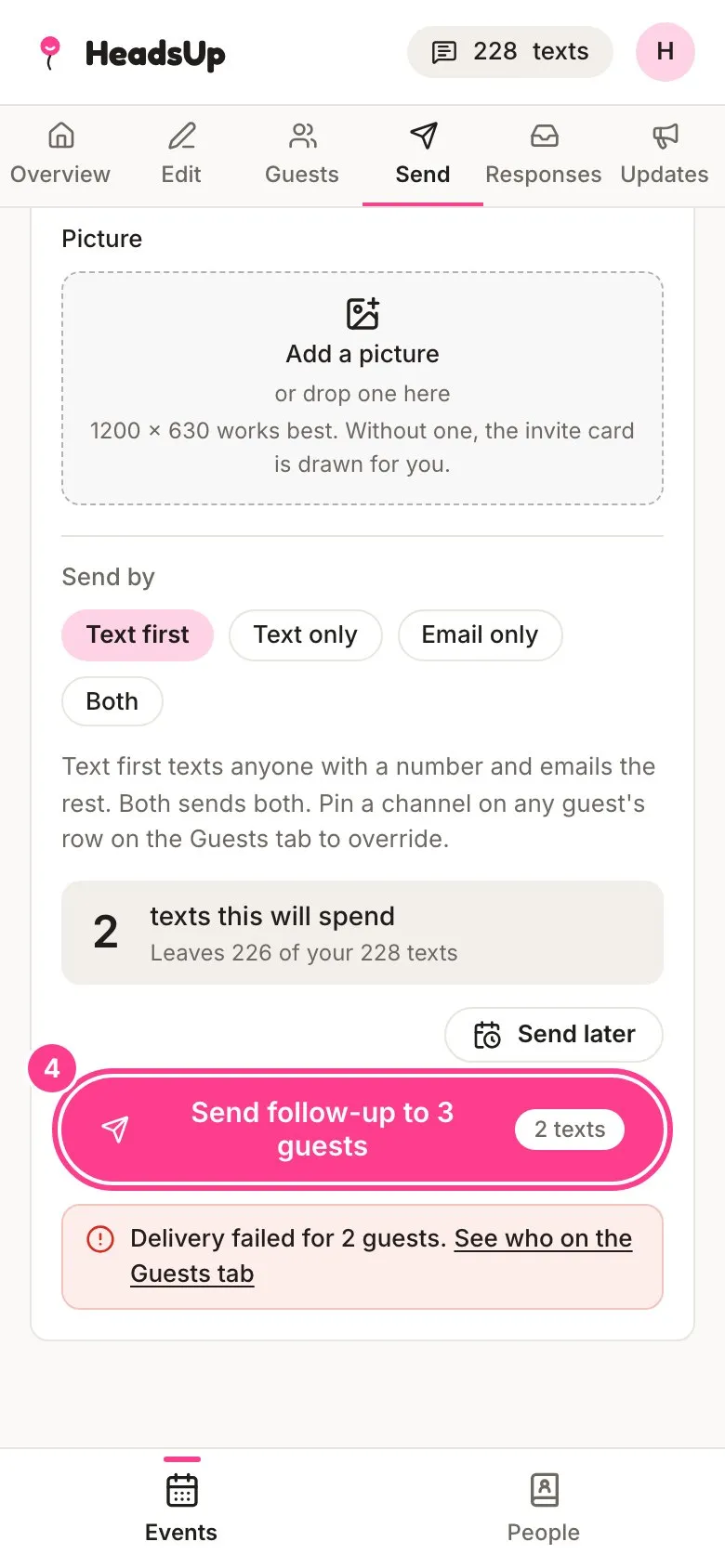
Tap the send button, for example Send follow-up to 3 guests.
Good to know
- A guest who’s answered anything, even maybe, counts as replied and is left out.
- Anyone you’ve unticked on the Guests tab stays out of the follow-up too.
- On Plus and up, you can tap Send later to schedule the follow-up. Whoever still hasn’t replied when it goes gets it, so someone who answers in the meantime is left alone. See how to schedule a send.
- Texted follow-ups use your texts, like any send. Emails are free.
- HeadsUp doesn’t send reminders on its own. Nothing goes to your guests unless you send it.
- Got news for everyone, like a change of venue? Post an update instead.
Didn't answer it?
Tell us what you were trying to do and we'll write back, or give our guide to your AI assistant and ask it.